
The dice makes the call
Give up to six options a number and roll. The choice is out of your hands, and your viewers see it happen.
 Dice Roller - Random DiceAndroid app by Solution On It
Need a quick random pick for a challenge, a game or your next video? Open this free dice roller app, tap anywhere, and watch bold, full-screen colors slide by until the dice lands on a number from 1 to 6. Then do whatever it says.
Go on, roll the dice right here. This preview works just like the app: same colors, same dots, same slide to a stop.
For content creators
Because nobody knows the result until the dice stops, not even you. One roll turns an everyday choice into a moment your viewers want to watch. That’s why dice rolls keep turning up in food challenges, game videos and live streams.
Give up to six options a number and roll. The choice is out of your hands, and your viewers see it happen.
Big white dots on a bold, full-screen color. Viewers can read the number at a glance, even in a vertical video on a small phone.
Each roll takes just under six seconds as the faces slide by and slow down. Just enough time for a reaction.
No account and nothing to set up. Open the app, tap anywhere, and you’re rolling.
The app rolls one six-sided dice. You bring the challenge, the rules and the camera.
Inside the app
The app is one big dice screen. Here’s what you’ll see, from opening it to the moment your number lands.
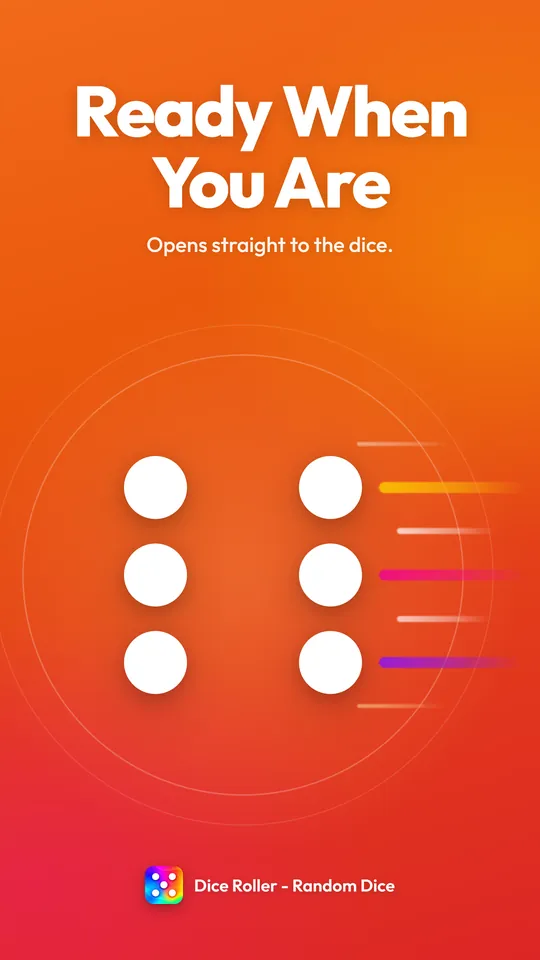
No sign-up. The app opens full screen on a single white dot over purple, so you can roll right away.
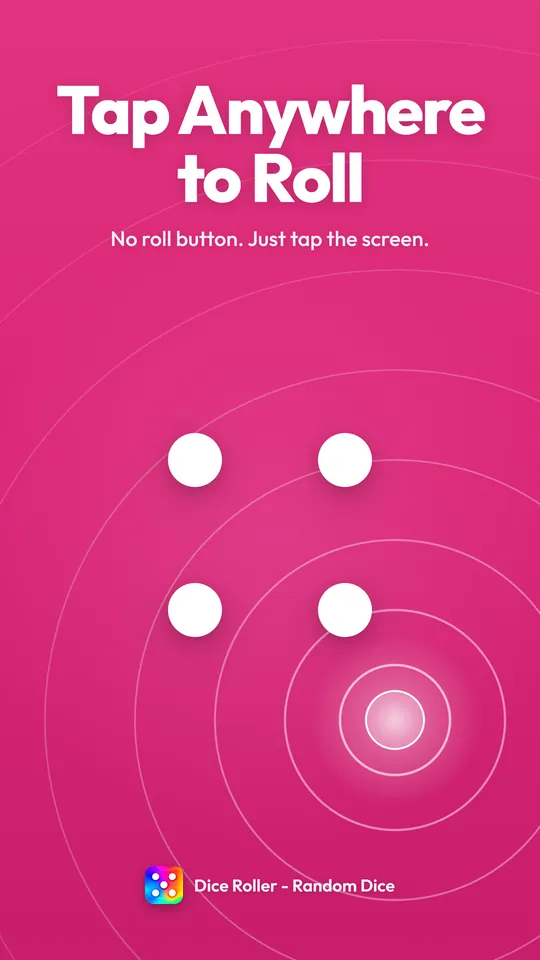
There’s no small button to aim for: tap anywhere and the roll starts. Extra taps are ignored until the dice lands, so every roll plays out to the end.
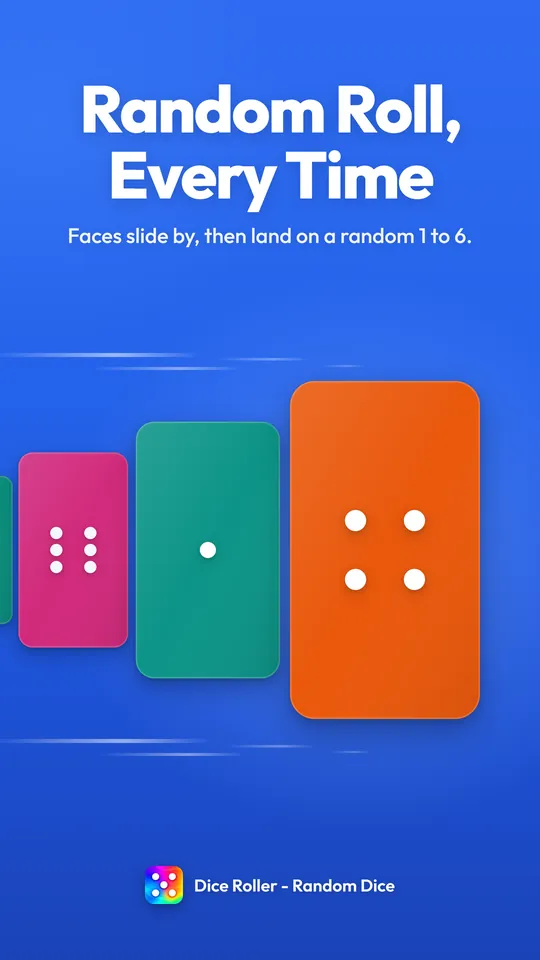
Full-screen faces slide in from the right, pick up speed, then gradually slow down until one stops in the middle. Its dots give a small bounce as they settle, so you know the roll is done.
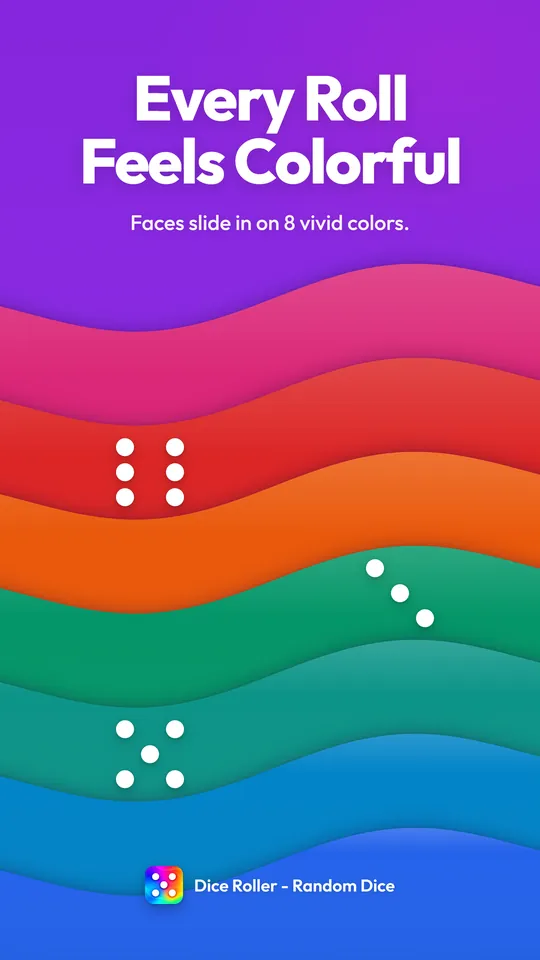
Each face slides in on its own full-screen color, picked at random from these eight. They’re all deep enough to keep the white dots easy to read.
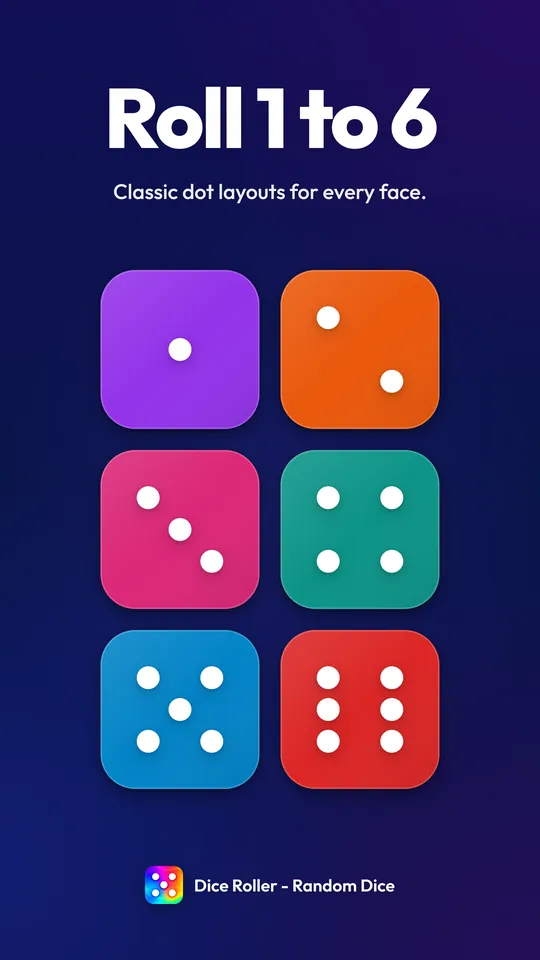
Every number uses the dot pattern of a real dice, in big white dots with a soft shadow. Your result stays on screen until you tap again, so there’s no rush to show it.
Features
One dice, one tap, one clear number. Here’s everything this random dice roller does.
No button to aim for. Tap anywhere and the dice starts rolling.
Each roll lands on a random number from 1 to 6, and each one has a one-in-six chance.
Faces slide across the screen and slow down before the result lands, with a small bounce at the end.
Each face arrives on a full-screen color, picked at random from eight.
The classic dot pattern for every number, big enough to read at a glance.
The number stays on screen until your next tap, so you can hold it up to the camera.
Hold your phone upright for a vertical video, or turn it sideways for a wide shot.
No account. Open the app and roll.
Use cases
Give up to six options a number from 1 to 6, roll, and follow the result. Here’s where that works well.
Doing a dice food challenge? Roll to decide how many bites you take, or number six dishes and eat whatever the dice picks.
Lost the dice for Ludo? Use the app instead. Filming a gaming video? Roll for which game you play or which rule you follow next.
Choose six suggestions from your comments, number them and roll on camera to pick the winner.
When chat can’t agree, hold your phone up to the camera and let one roll settle it.
Stuck between two options? Give one the odd numbers and the other the even ones, then film the roll.
How it works
Getting started is easy. Follow these four simple steps to make your first roll.
Download Dice Roller - Random Dice free from Google Play and open it. No account needed.
Planning a challenge? Give up to six choices a number from 1 to 6. Just need a number? Skip this step.
Tap anywhere. Colorful faces slide across your screen and slowly come to a stop.
The dice lands on a random number and stays there until your next tap.
Creator ideas
Each idea needs just the app and a camera. Use them as they are or give them your own twist.
Roll before every bite and take that many. Film it with a friend and compare who ended up with the big numbers.
At a café or food stall, number the first six dishes on the menu, roll once and order whatever it lands on.
Ask viewers for ideas, pick six and number them. In your next video, roll on camera and shout out whoever suggested the winner.
Before each round, roll for a twist: 1 means one hand only, 2 means no jumping, and so on. Let chat help write the list.
Write down six things to draw, roll, and sketch whatever comes up. Add a timer to keep it tense.
Take a question from your audience. 1 to 3 means yes, 4 to 6 means no, and you have to go with it.
Roll and multiply by five: that’s how many squats you do. Keep rolling for a workout nobody can plan.
Give each friend a number and roll to see who goes next. Then roll again: odd means truth, even means dare.
Make lists of six hairstyles, outfits and superpowers. Roll once per list, then draw the character you get.
These are ideas for your own videos. The app gives you the roll; the rules, the filming and the posting are up to you.
FAQ
Quick answers about how the app works, how random it is, and how to use it for challenges, videos and live streams.
Dice Roller - Random Dice is a free Android app that rolls one six-sided dice. Tap the screen and bold, full-screen colors slide past until the dice lands on a random number from 1 to 6. People use it for challenge videos, board games, party games and quick decisions. It’s made by Solution On It.
It’s free to download and free to use. There’s no account, sign-up or login: open the app and start rolling.
It’s an Android app on Google Play. Tap a Google Play button on this page, or search the Play Store for Dice Roller - Random Dice and check that the developer is Solution On It.
Yes. Hold your phone upright and the colors fill the tall screen; turn it sideways and they fill the wide one, with the dice in the middle either way. That makes it easy to match a vertical Reel or a horizontal YouTube video.
No. Your rolls happen on your phone and aren’t saved or sent anywhere. The Privacy Policy explains the rest, including the third-party services the app uses.
Open the app and tap anywhere. There’s no roll button to find. While the dice is rolling, extra taps are ignored, so each roll plays out until it lands.
Yes. Every roll picks a number from 1 to 6 at random, and each number has the same one-in-six chance. One roll doesn’t affect the next, so the same number can come up twice in a row, just like with a real dice.
Just under six seconds. The faces speed up, glide past, then slow down until one stops, and its dots give a little bounce when the roll is done. The number then stays on screen until you tap again.
No. The app rolls one standard six-sided dice (a d6), so every result is a number from 1 to 6. For games that need two dice, roll twice and add the numbers together.
No, the colors are part of the fun. Each face slides in on one of eight colors picked at random: orange, purple, blue, green, pink, sky blue, red and teal. The color has no effect on the number you get.
Decide what each number means before you roll, and tell your viewers so they know the stakes: say it out loud, write it on a card or add it as text. Then tap to roll on camera and go with whatever the dice lands on.
In the dice food challenge, often called “dice decides the bite”, each roll decides how many bites you take or which food you eat next. Roll before every bite, eat what the dice says and film the reactions. Keep portions sensible and pick foods everyone is happy to eat.
Yes. Hold your phone up to the camera as you tap, or film its screen with a second phone. Big white dots on a bold color are easy to follow in a vertical video. The app doesn’t record, edit or post anything, so film and share with the apps you already use.
Keep the app open and hold your phone up to your webcam when it’s time to roll, or point a second camera at it. Let chat set the six options first, then roll live. There’s no overlay or streaming integration: it works like a real dice you show on camera.
Ask for suggestions in your comments, a poll or your stories, pick six and number them. Roll in your next video or stream and give a shout-out to the person whose idea won. Everyone who suggested something has a reason to watch the roll.
For two options, use odd and even numbers, or 1 to 3 for yes and 4 to 6 for no. For three, pair them up: 1–2, 3–4 and 5–6. For four or five, just roll again if you get a number with no option. For more than six, make up to six lists of six: the first roll picks the list and the second picks from it.
Yes. It works as a virtual dice for Ludo, Snakes and Ladders and any other game that uses one six-sided dice: roll, then move the number shown. It’s handy when the real dice goes missing.
Tap the gear button in the bottom-left corner to open Settings, then tap Share App. Your phone’s share menu opens with the app’s Google Play link, ready to send in a chat or post for your followers.
Open Settings and tap Check for App Update. If a newer version is out, you can update right there, or any time from Google Play.
Tap Contact Us in the app’s Settings to write an email, or send one to solutiononit@gmail.com. Dice Roller - Random Dice is developed and published by Solution On It, and we’re happy to hear your questions and ideas.
Screenshots
A quick look at the app and a few ways people use it. Tap any screenshot to see it bigger.

Let the dice decide
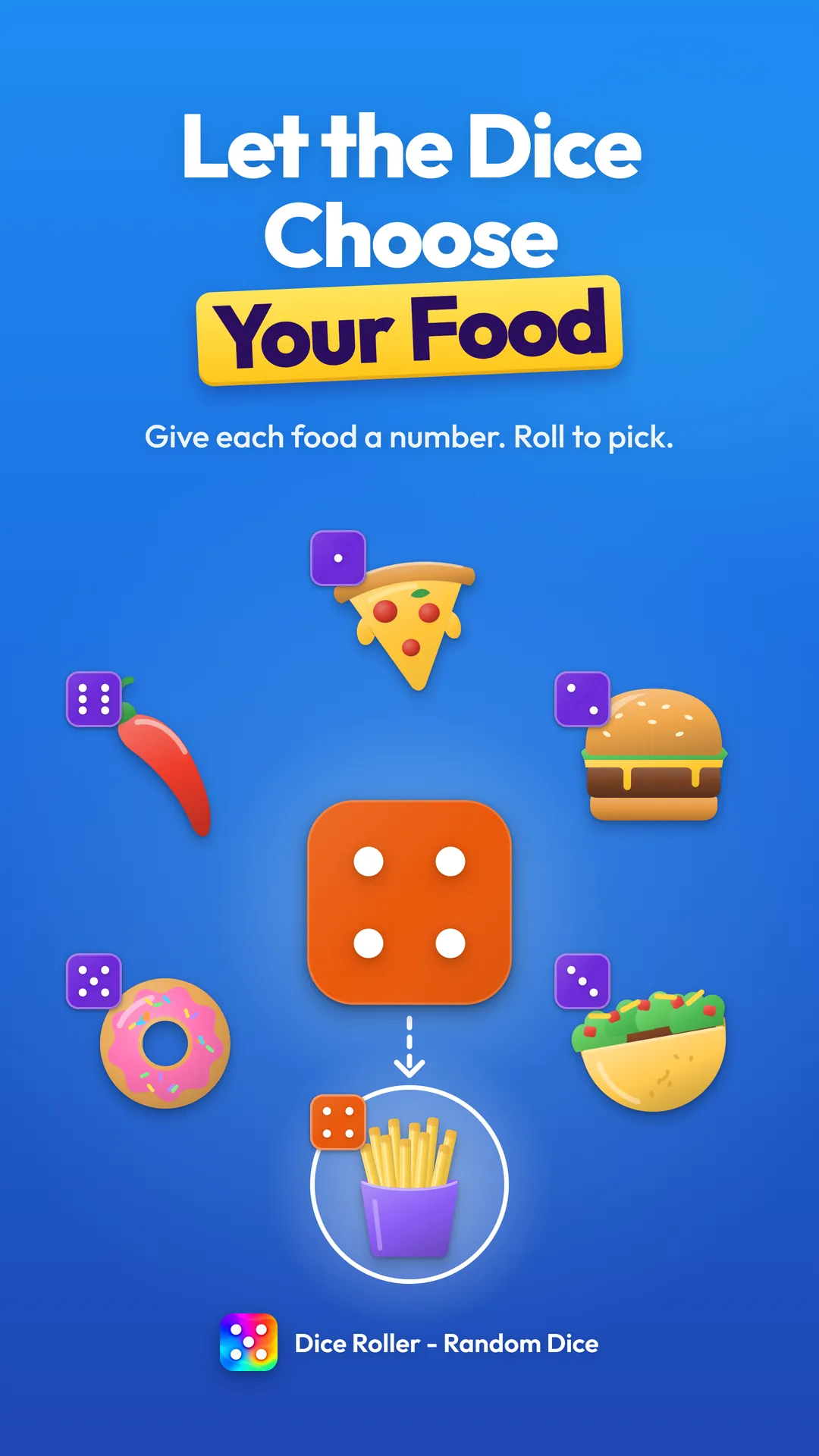
Number six foods, then roll to pick one
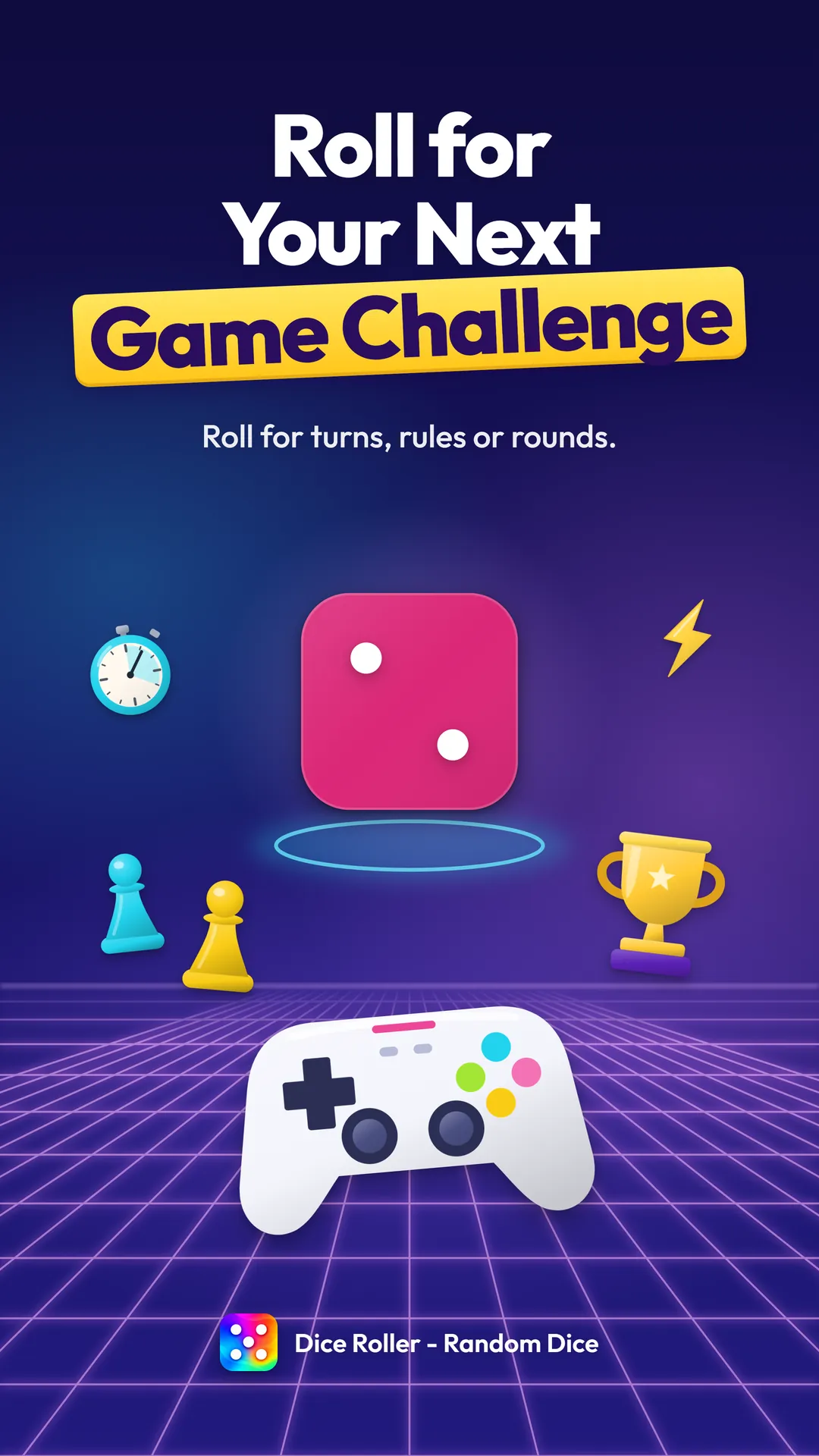
Roll for turns, rules or rounds
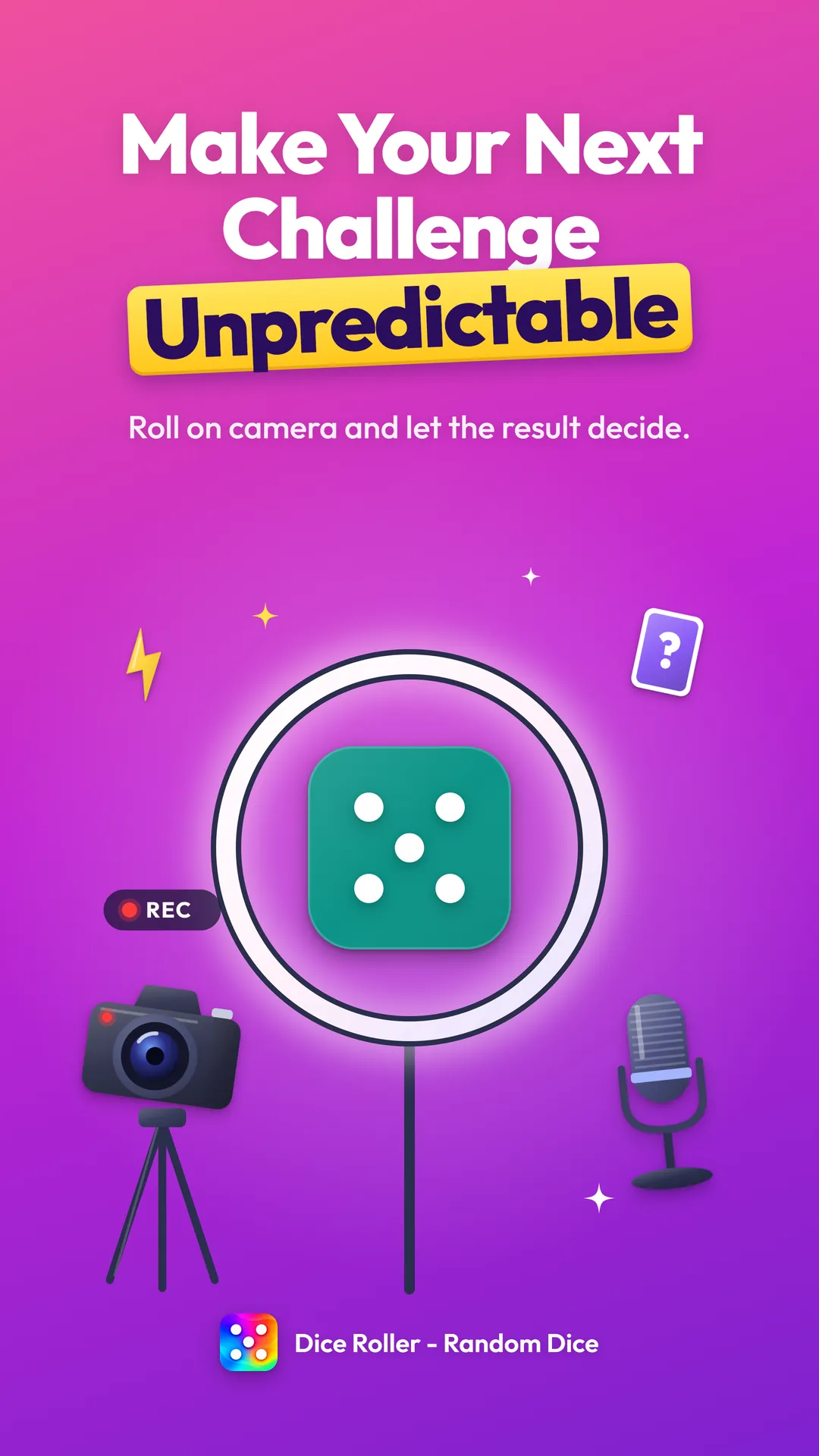
Roll on camera and let the result decide
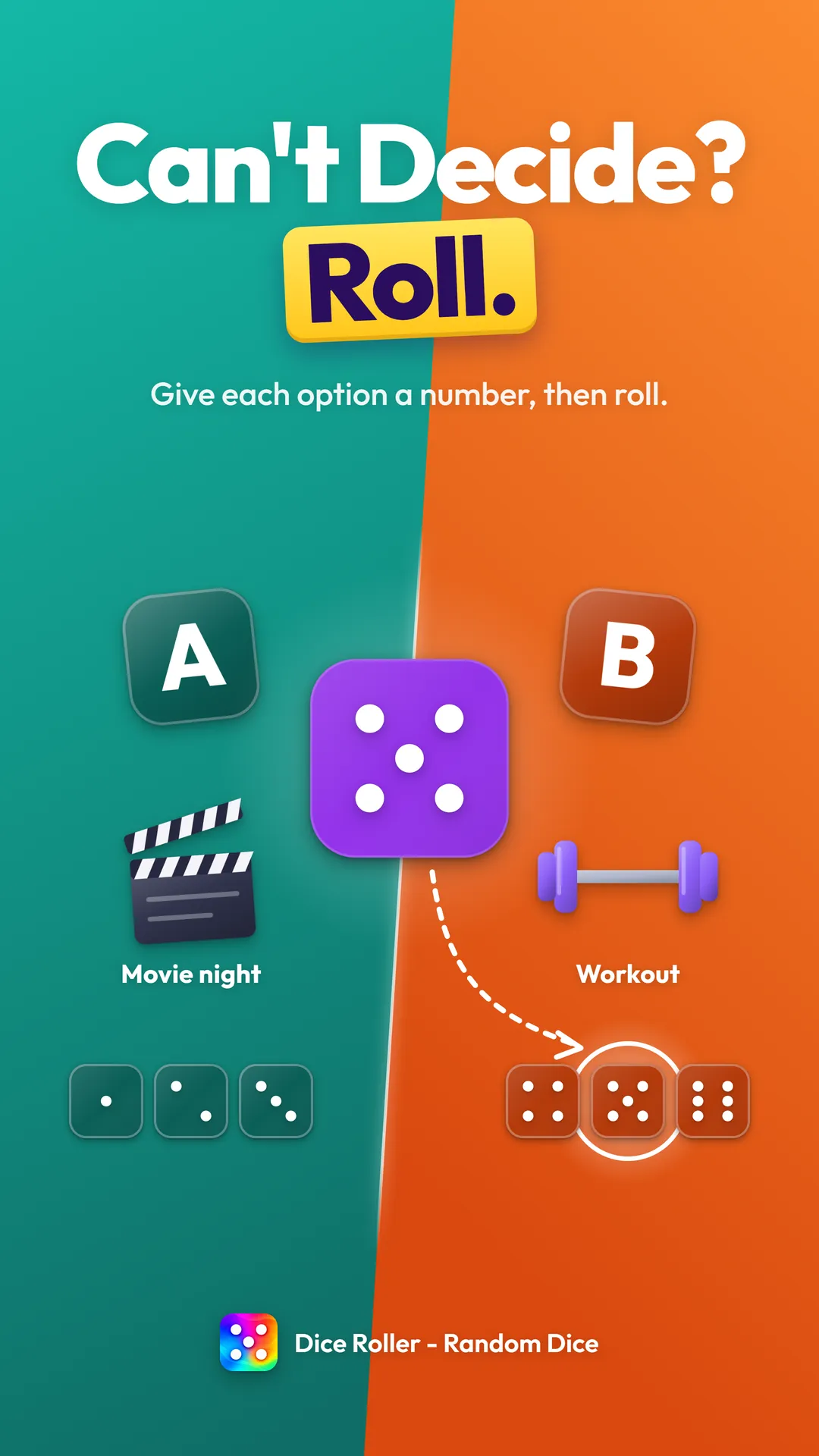
Can’t decide? Give each option a number
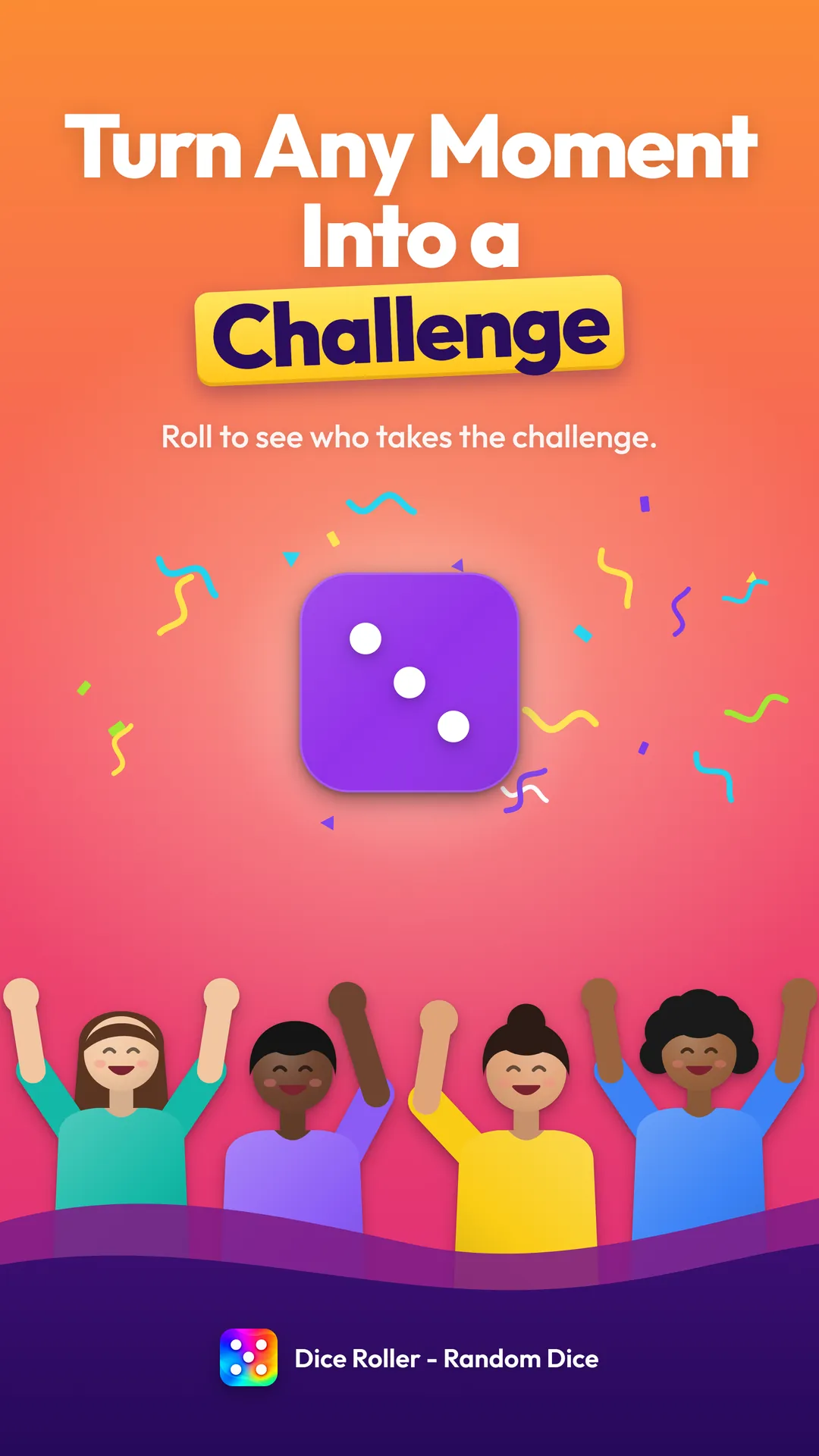
Roll to see who takes the challenge
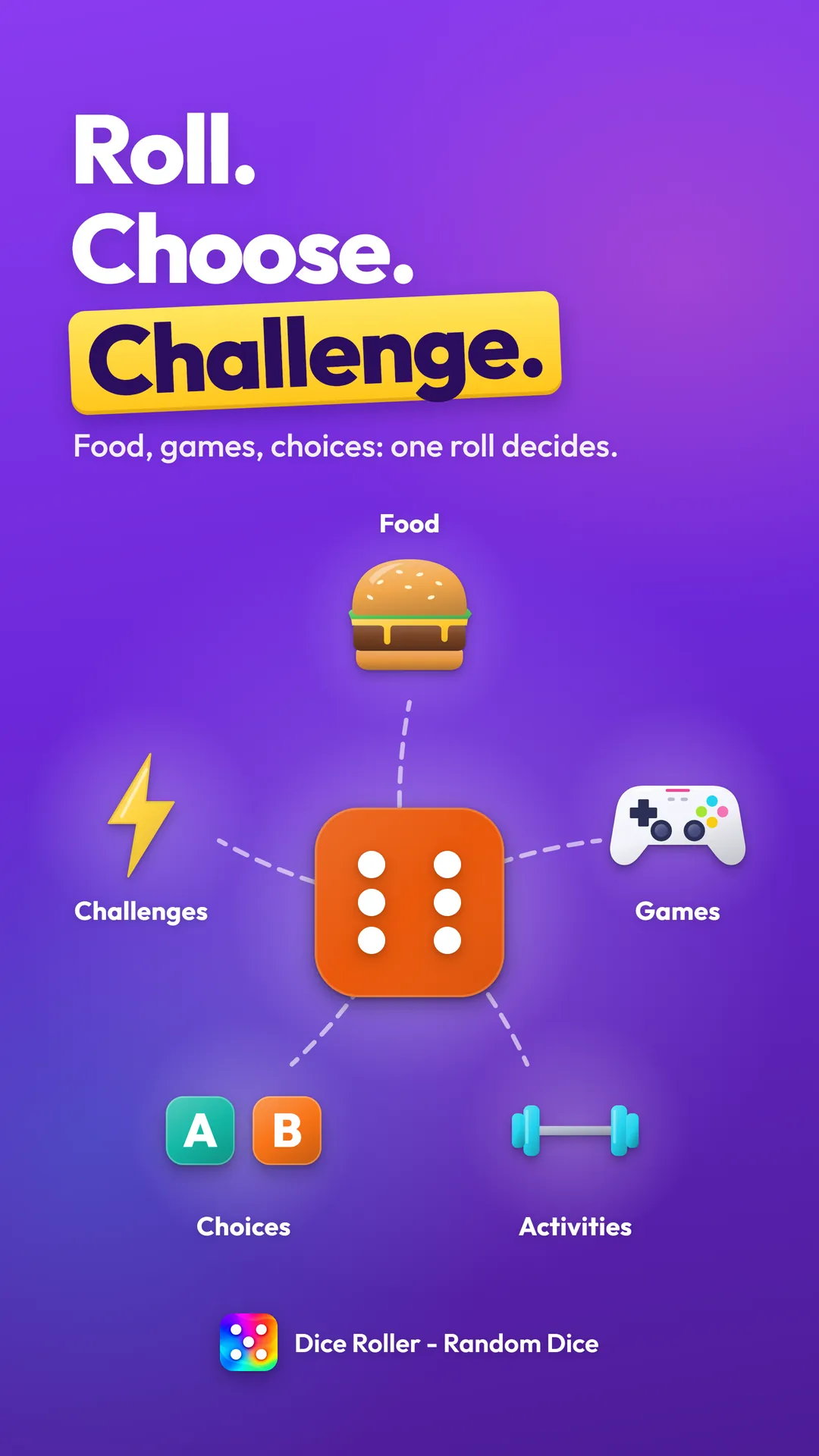
Food, games, choices: one roll decides
What will you roll?
Download it free from Google Play, open it and tap. A few seconds later, the dice has decided.
Company & developer
Dice Roller - Random Dice is developed and published by Solution On It. Got a question, an idea or some feedback? We’d love to hear it.
App Developer & Publisher
Questions or feedback about Dice Roller - Random Dice? Write to us.
Developer
Developer of Dice Roller - Random Dice.